



Yetizino Application
The Yetizino App puts our casino games and account tools on your mobile device. It runs as a progressive web app (PWA), with the interface adapted for smartphone and tablet screens. Portuguese customers can sign in and use the mobile casino wherever they have access to the service.



Pros and Cons of the Yetizino Casino App
The Yetizino app doesn’t need an APK file. Customers sign in with their existing account to open casino games, promotions, payments and profile settings. More than 6,000 titles are available across the Casino and Live Casino sections. The Yetizino app download process runs through the browser, with the PWA added directly to the device’s home screen.
Pros
For users who prefer playing on a phone or tablet, the PWA keeps the main casino functions available on a smaller screen. It also avoids manual app updates.
- Mobile slots and all other game categories are accessible from one account.
- The PWA is added through a supported mobile browser.
- The interface fits smartphone and tablet screens.
- Updates arrive through the web version.
- All needed features reamin available on mobile.
Cons
The PWA setup differs from the apps users normally install from an app store. This affects the installation process and the type of app file available.
- The Yetizino app uses a PWA format instead of a traditional native application.
- Installation works differently from a standard Android app or iOS app.
- A separate Yetizino APK file is not part of the PWA installation.
Mobile Gaming at Yetizino
Our Yetizino app gives customers a practical alternative to playing on a PC. Mobile slots, casino games and account features remain easy to reach from a smartphone or tablet. Mobile gambling also gives users more freedom to play away from a desktop.
A PC has the advantage of a larger display, which gives more room for game menus and live tables. The Yeti Zino app focuses instead on portability and quick access. Customers use the same account and do not need to stay at a computer to manage their casino activity.
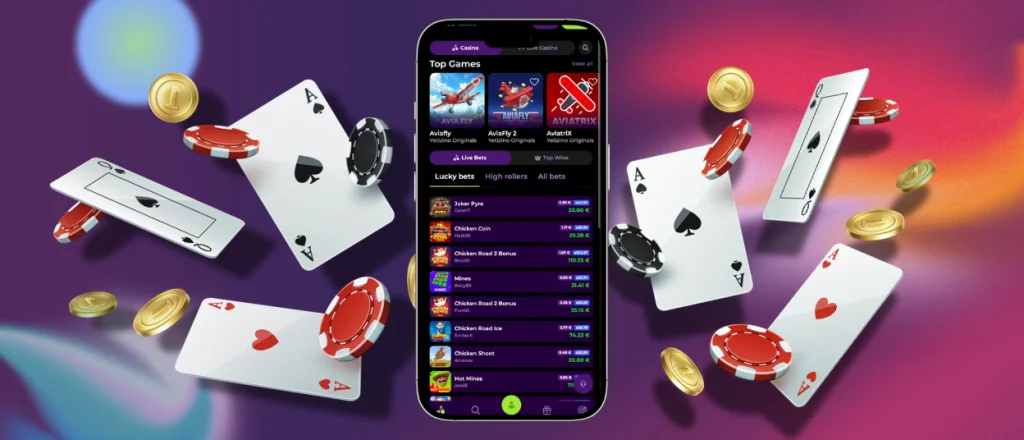
Mobile App for Android & iOS
The Yetizino app works as a PWA, with a slightly different setup on Android and iOS. In both cases, customers get a home-screen shortcut that opens the mobile casino directly.
| What You’re Doing | Android | iOS | What You Get |
| Opening the Yetizino app | Tap the shortcut from the Android home screen | Tap the shortcut from the iPhone or iPad home screen | Direct access without typing the website address |
| Adding it to your device | In Chrome, tap the three-dot menu → Add to home screen → Add | In Safari, tap Share → Add to Home Screen → Add | A Yetizino icon alongside your other apps |
| Moving the shortcut | Hold the icon and drag it to your preferred position | Move the icon like any other home screen shortcut | The casino stays where you want it |
| Customizing the shortcut | Use the standard Android home-screen controls | Use the Shortcuts app to change the name or icon | More control over how the shortcut appears |
| Installation format | Progressive web app through Chrome | Home-screen web app through Safari | No separate Yetizino APK file is needed for access |
Once added, the Yetizino app is available straight from the device’s home screen. Customers sign in with their existing account details: email and password.
Progressive Web App
The Yetizino app uses progressive web app technology to provide mobile access without a traditional installation. Customers add the PWA to their home screen through a supported browser, then open it directly from the shortcut. The Yeti Zino app gets updates through the web, so there is nothing to download manually.
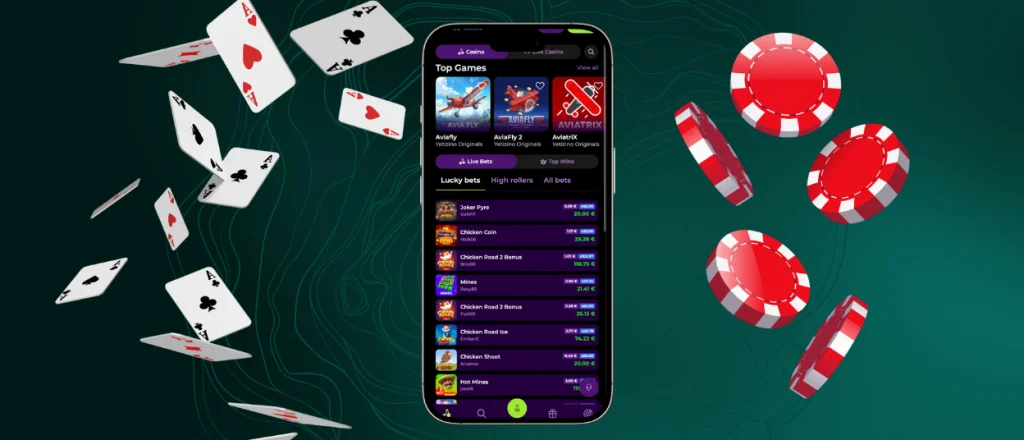
Desktop Version: No Download Required
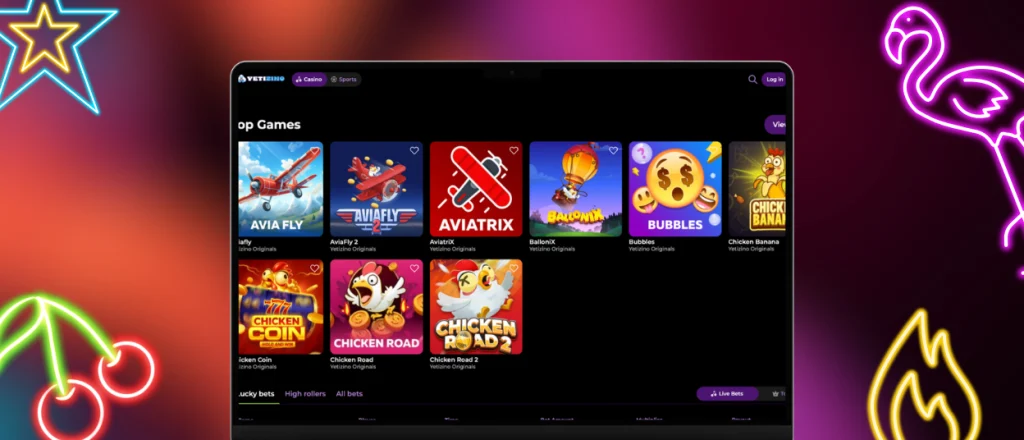
The desktop casino runs in your browser and doesn’t require a separate installation. Customers sign in from a PC or Mac and get access to all familiar tools and features. The bigger screen leaves more space for browsing the catalog and viewing Live Casino tables. For smartphone and tablet users, the Yetizino app keeps the same main sections in a layout made for touch controls.
FAQ
Are all games included in the Yetizino app?
The Yetizino app lets customers open the casino game catalog directly from a smartphone or tablet. Users can browse mobile slots, switch between game categories and play Live Casino titles through the same mobile interface.
Is the app available on the App Store or Google Play?
The Yetizino mobile app runs as a PWA and does not require a standard app-store installation. For Yetizino download app access, Android users add it to the home screen through Chrome, and iOS users do the same through Safari.
What to do if the app doesn’t work
Close the Yetizino app, then open it again and check that your internet connection is working. Open Yetizino in your mobile browser if the app does not respond. Restart your device and open the app again. If the issue remains, contact customer support for assistance.
Is the PWA safe for real-money transactions?
Yes. The app uses the casino’s existing payment system rather than a separate one for the PWA. Deposits and withdrawals are made through the payment methods shown in your account. The same transaction checks apply when using the mobile version.
Does the PWA work well on different devices?
Yes. The Yetizino app is built for both smartphones and tablets, and the interface adjusts to the device screen. On Android, customers use Chrome to access the PWA. Safari provides the same option for iOS devices.


